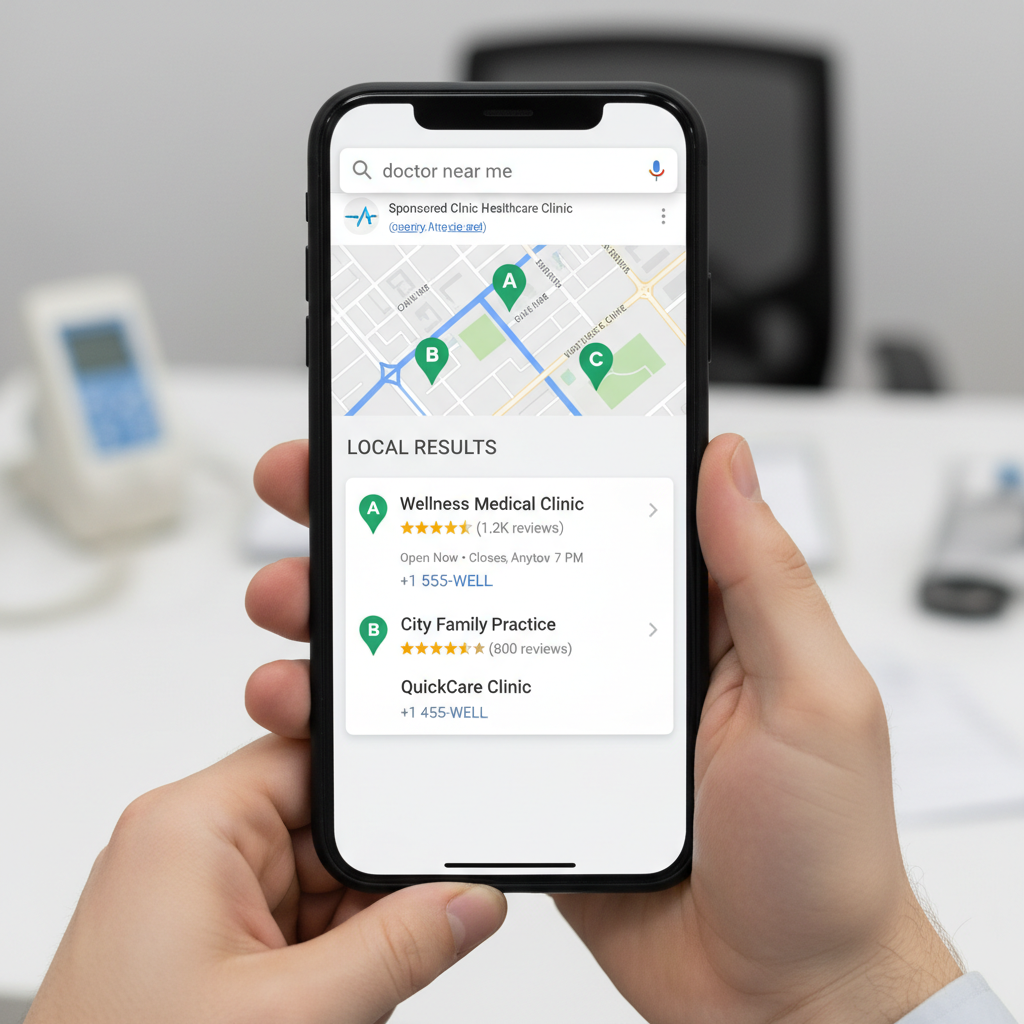
A single generic website cannot rank in multiple cities. When a patient in a neighboring city searches for a specialist, Google serves results that are geographically relevant — and if you don't have a dedicated page for that city, you are invisible to that patient. Location pages solve this problem at scale.
What Is a Location Page and Why Does Every Service Area Need One?
A location page is a dedicated, city-specific web page that tells search engines and AI platforms exactly which geographic markets your practice serves. Without a distinct page for each city or neighborhood, your practice competes for local visibility with a single generic page — and loses to competitors who have built out their local footprint.
The Anatomy of a High-Performing Location Page
- City-specific H1 and title tag — "Orthopedic Surgeon in [City], [State]"
- Unique body copy referencing local landmarks, neighborhoods, and patient demographics
- LocalBusiness and MedicalOrganization schema markup with precise geo-coordinates
- Embedded Google Map showing the practice location relative to the city
- City-specific patient testimonials and case studies where available
- Local FAQ section answering questions specific to that market
- Internal links to relevant service pages and the main location hub
How GEO Principles Apply to Location Pages
Generative Engine Optimization (GEO) is the practice of structuring your content so that AI-powered platforms — ChatGPT, Google AI Overviews, Gemini, Perplexity — can accurately identify, cite, and recommend your practice in their generated responses. Location pages built with GEO principles include structured entity data, clear geographic signals, and authoritative local content that AI engines use when answering patient queries like "best orthopedic clinic near [city]."
Connecting Location Pages to Google Business Profile
Your Google Business Profile listing for each location should point directly to that location's dedicated landing page — not your homepage. Each GBP listing optimized with location-specific categories, photos, posts, and review management, combined with the corresponding location page on your website, creates a compounding local authority signal that neither can achieve alone.
Avoiding Duplicate Content Across Location Pages
The most common mistake in location page strategy is using the same body copy across multiple cities with only the city name swapped out. Google detects this as thin, duplicate content and penalizes the entire set of pages. Every location page must be drafted with its own outline, keyword set, and locally relevant content.
Healthcare practices with dedicated location pages for every service area they serve rank in the local 3-pack 5x more frequently than those relying on a single generic website — and those rankings compound over time as each page builds its own local authority.
Frequently Asked Questions
How many location pages does my practice need?
How does X6 ensure each location page is unique and not duplicate content?
How long does it take for location pages to rank?
Ready to Implement These Strategies?
Our healthcare marketing specialists handle everything — from technical SEO to content creation to review management. No long-term contracts.
Get a Free Consultation