Google Business ProfileLocal SEOHealthcare MarketingGBP Management
Your Google Business Profile (GBP) appears in Google Maps, the Local Pack, and increasingly in AI-generated local recommendations. For most healthcare practices, it is the single highest-ROI marketing asset they have — and it's completely free.
Why Google Business Profile Management Matters More Than Ever
In 2026, Google's AI systems use GBP data to answer local healthcare queries directly. Practices with complete, accurate, and actively managed GBP listings appear in AI-generated answers, voice search results, and Google Maps recommendations.
5B+
monthly Google Maps searches for healthcare providers
70%
of patients use Google Maps to find local healthcare
2.7x
more website visits from complete vs. incomplete GBP listings
Free
cost of Google Business Profile — the highest-ROI marketing tool
The Complete GBP Optimization Checklist
- Business name — use your exact legal practice name
- Category — select the most specific primary category available
- Address — match exactly to your website and all directories
- Phone — use a local number, not a call center number
- Website — link to your homepage or location-specific landing page
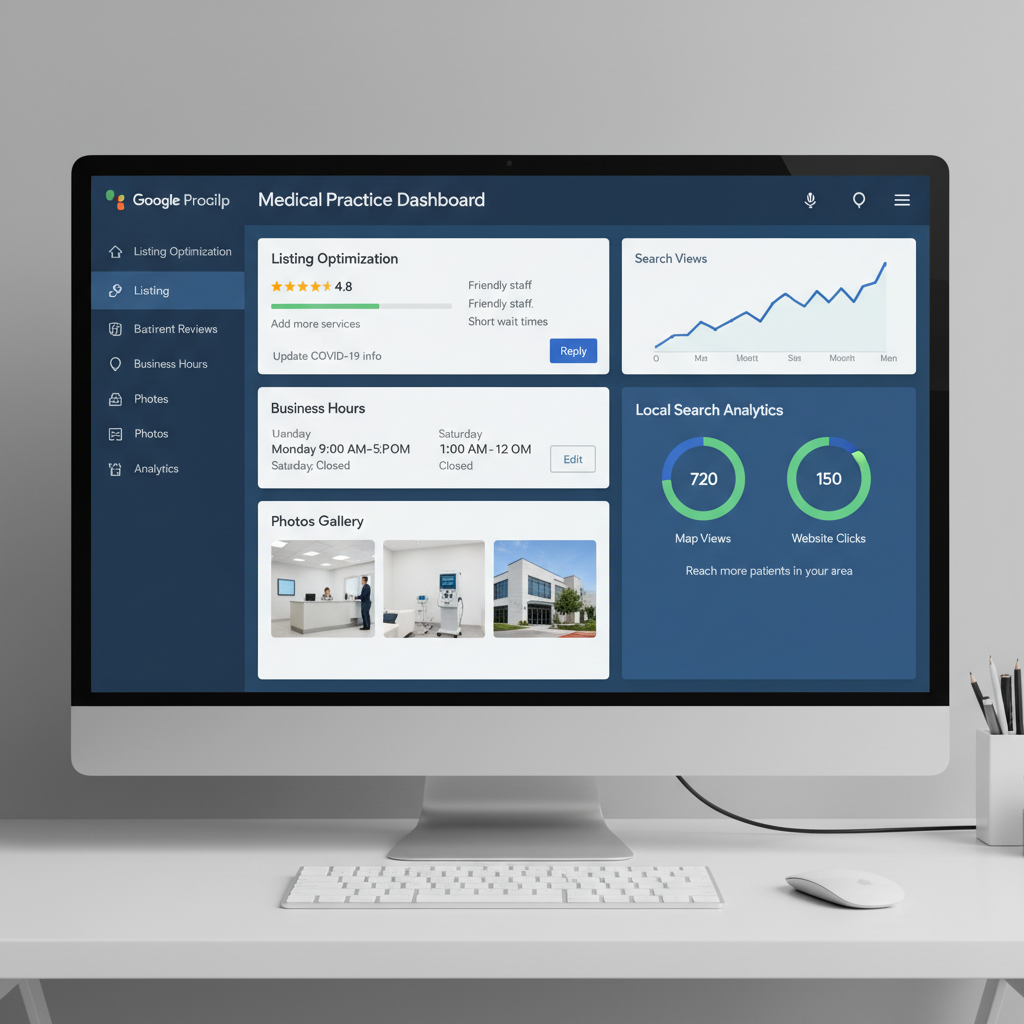
- Hours — include holiday hours and special hours
- Services — list every service with detailed descriptions
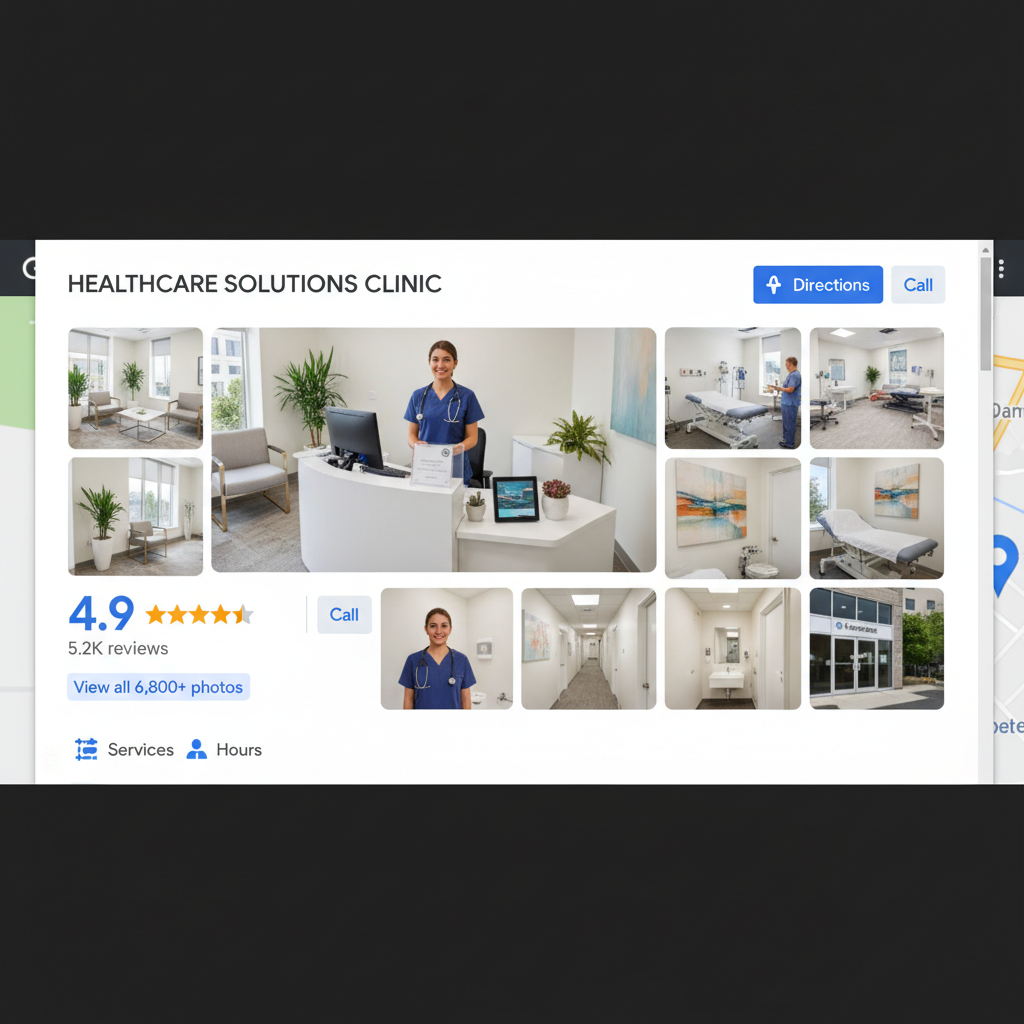
- Photos — upload 20+ high-quality photos of staff, facilities, and equipment
- Posts — publish weekly updates, offers, and health tips
- Q&A — proactively answer common patient questions
Frequently Asked Questions
How often should I update my Google Business Profile?
Post updates at least once per week to signal active engagement to Google's algorithm. Update your hours, services, and photos whenever they change. Respond to all reviews within 24–72 hours. Regular activity is one of the strongest signals for Local Pack rankings.
Can I manage multiple practice locations in one Google Business Profile account?
Yes. Google Business Profile supports multiple locations under one account through the Business Profile Manager. Each location has its own profile with separate reviews, photos, and posts, but all can be managed from a single dashboard.
Ready to Implement These Strategies?
Our healthcare marketing specialists handle everything — from technical SEO to content creation to review management. No long-term contracts.
Get a Free Consultation