Google Reviews & Reputation

Automating Google Review Requests: How to Get 10x More Reviews Without Extra Work

⚡ TL;DRQuick summary
  • Automated review request sequences deliver the right ask at the right moment — consistently, without relying on staff to remember.
  • The optimal sequence: SMS 2 hours post-appointment → email at 24 hours → final SMS at 72 hours → stop once a review is detected.
  • Personalized requests referencing the specific provider or service outperform generic requests by 40–60% in conversion rate.

Features & Benefits

Automated SMS + email review request sequences
Trigger-based: fires when appointment is marked complete
Smart stop: sequence ends once a review is detected
Personalized messages referencing provider and service
40–60% higher conversion vs. generic review requests
Google-compliant automation for all patients equally
Integration with X6 CRM SaaS scheduling system
30-minute setup with full automation from day one

Manual review requests are inconsistent and time-consuming. Learn how to automate your review generation process to get a steady stream of Google reviews on autopilot.

X6 Healthcare Marketing TeamJune 12, 20266 min read
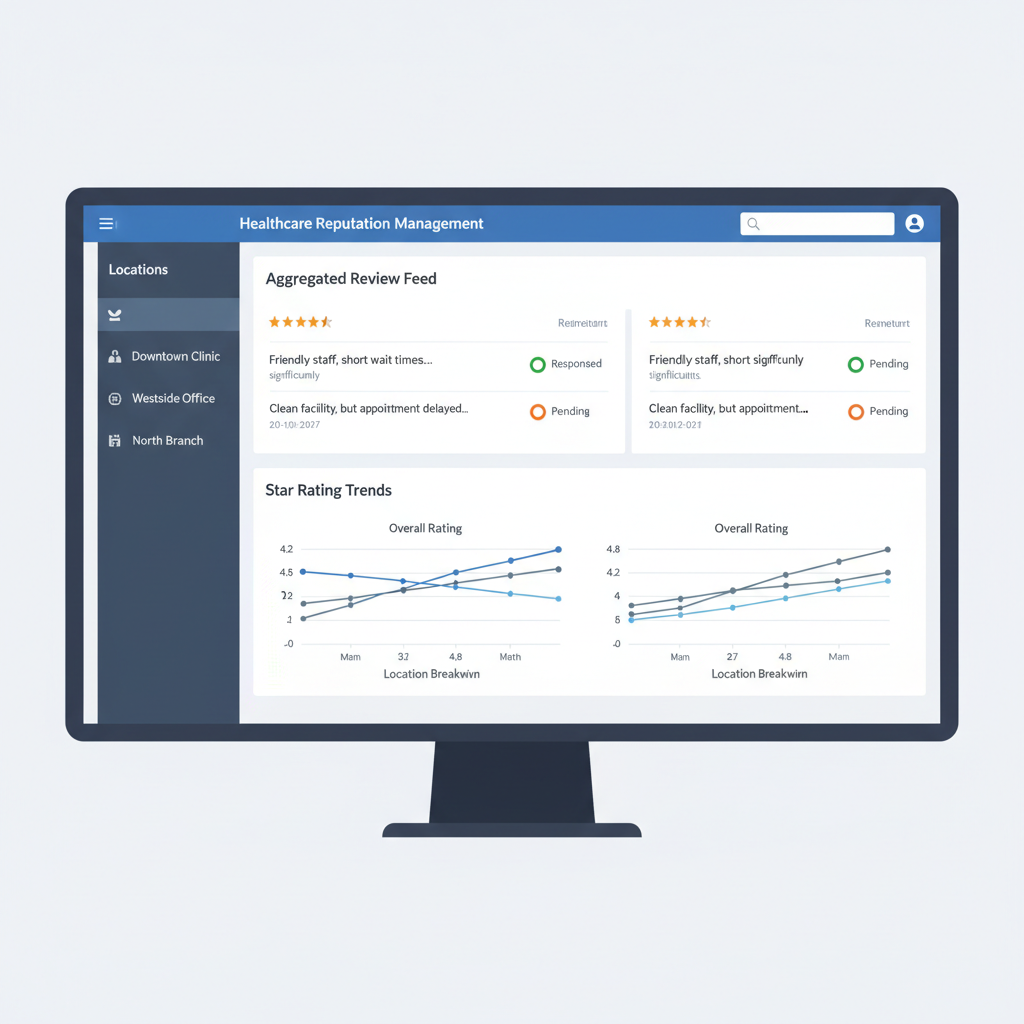
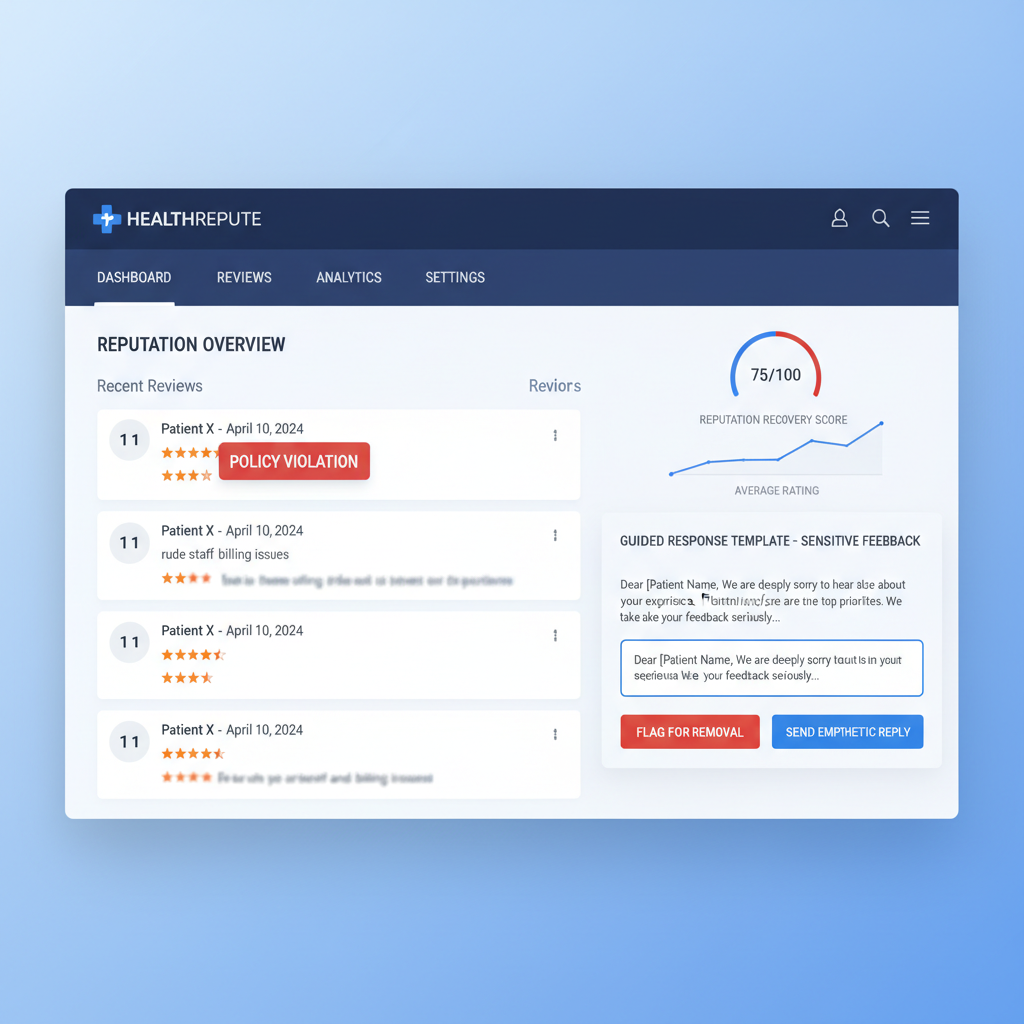
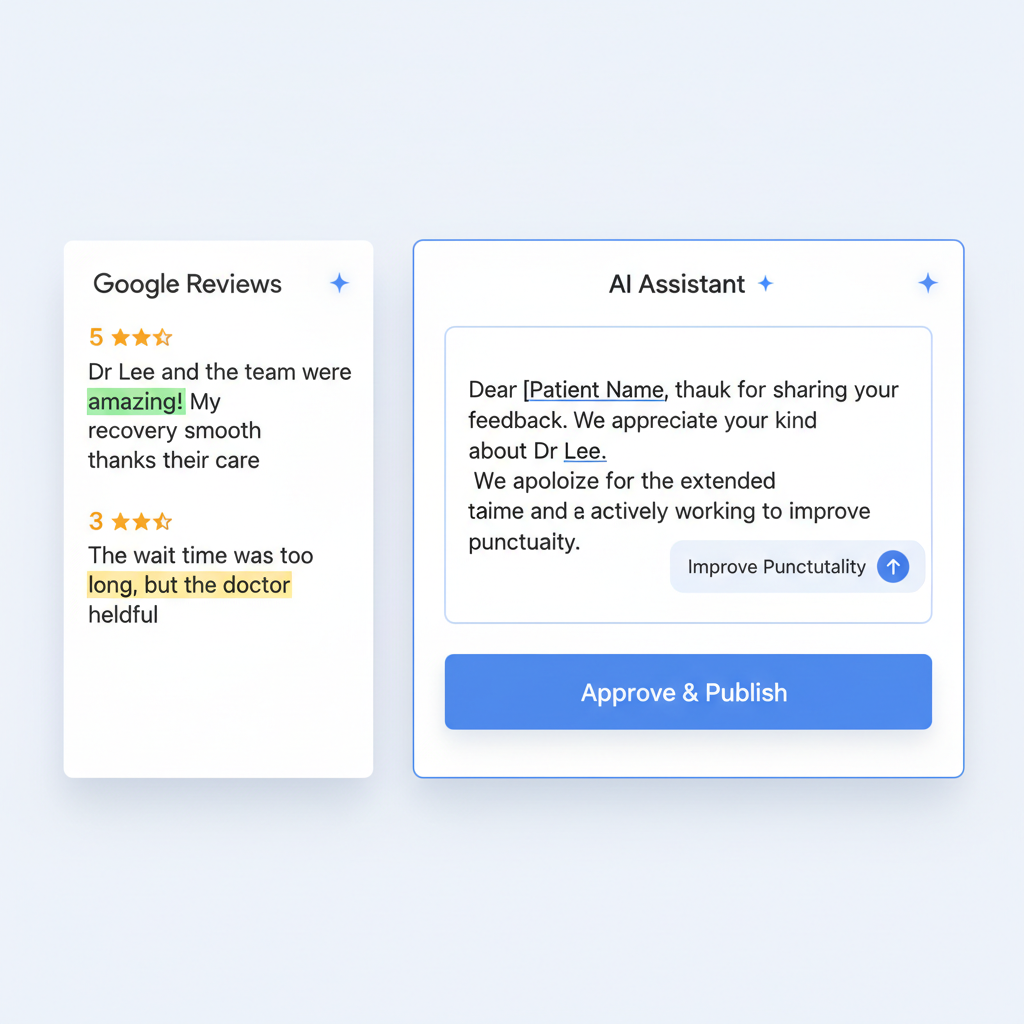
Automated review request system showing SMS and email sequences sent to patients after appointments
Review AutomationGoogle ReviewsPatient Follow-UpHealthcare Marketing

The practices with the most Google reviews aren't asking more — they're asking smarter. Automated review request sequences deliver the right ask at the right moment, consistently, without relying on staff to remember.

The Automated Review Request Sequence

  1. 1Trigger: appointment marked as completed in your scheduling system
  2. 2Step 1 (2 hours post-appointment): SMS with a direct Google review link
  3. 3Step 2 (24 hours, if no review): Email with a personalized review request
  4. 4Step 3 (72 hours, if no review): Final SMS reminder
  5. 5Stop: once a review is detected, the sequence ends automatically

Optimizing Your Review Request Messages

The message that accompanies your review request significantly impacts conversion rates. Personalized messages that reference the specific provider or service the patient received consistently outperform generic requests by 40–60%.

Integrating Review Automation With X6 CRM SaaS

X6 CRM SaaS includes built-in review automation workflows that integrate directly with your scheduling system. Setup takes less than 30 minutes, and the system handles everything from trigger to review detection automatically.

Frequently Asked Questions

Is it against Google's guidelines to automate review requests?
No. Automating the delivery of review requests is permitted. What is not permitted is review gating (only asking satisfied patients), incentivizing reviews, or using third-party services that generate fake reviews. Automated requests to all patients are compliant.
What is the best time to send a review request?
Research shows that review requests sent within 2 hours of a positive interaction have the highest conversion rates. For healthcare, this means immediately after a completed appointment while the experience is fresh and the patient is still feeling positive about their care.

Ready to Implement These Strategies?

Our healthcare marketing specialists handle everything — from technical SEO to content creation to review management. No long-term contracts.

Get a Free Consultation